

Bitbucket PR review in Chrome with OffiDocs

Ad
DESCRIPTION
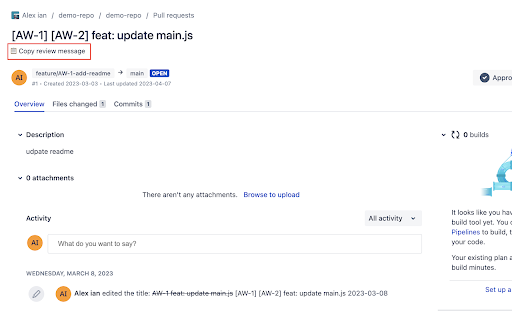
Create PR review message with template
As a developer, you may need to notify your team to review your pull request in different instant messaging, such as Slack, Microsoft Teams, etc.
Bitbucket PR review provide a easy way to copy PR link and related Jira Card link with customize template.
Basic usage:
1. Go to the bitbucket pull request page that you want to get review
2. click "


