

Smart Scroll Sequencer in Chrome with OffiDocs

Ad
DESCRIPTION
Control webpage scrolling with customizable sequences
Smart Scroll Sequencer is a simple tool for users who need to create repeatable scroll sequences—perfect for presentations, demonstrations, or automated webpage navigation.
Features:
✔ NEW! Video Recording — Record your tab contents at 60fps for beautiful video export in .webm format.
✔ Precision Scroll Markers – Instantly see where each scroll action will land with horizontal guide lines, ensuring perfect alignment every time.
✔ Seamless Automation – Impress your audience with smooth, perfectly timed scrolling that feels natural and engaging.
✔ Customizable Scrolls – Fine-tune distances, durations, and delays using px, vh, %, or rem units to match your exact needs.
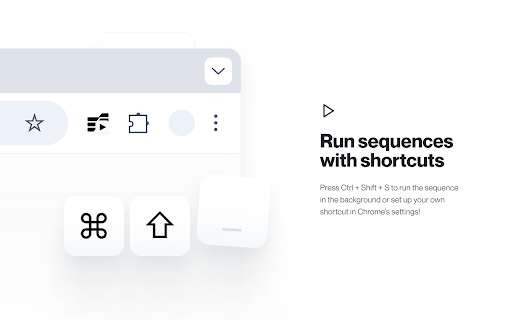
✔ Effortless Playback – Start or stop sequences with one click or a global shortcut (Ctrl+Shift+S), complete with a scrolling status indicator.
✔ Smooth Animations – Personalize scroll behavior with easing functions like linear, ease-in-out, and more for a polished experience.
✔ Easy Sequence Management – Drag, drop, reorder, duplicate, or delete actions in an intuitive interface.
✔ Save & Reload – Keep your sequences stored per-tab or export/import them as JSON for future use.
Smart Scroll Sequencer web extension integrated with the OffiDocs Chromium online


