

indiehackers2Pdf in Chrome with OffiDocs

Ad
DESCRIPTION
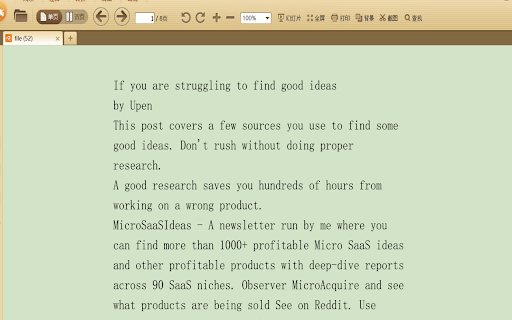
indiehackers to PDF, Save indiehackers content to PDF file and download with one click
usage instructions for Indiehackers2Pdf plugin:
Install the Indiehackers2Pdf plugin for your web browser. You can find the plugin by search Indiehackers2Pdf in chrome web store.
Open the Indiehackers website in your web browser.
Click on the "Indiehackers2Pdf" plugin button on the top right corner of the browser window.
A window will pop up, asking you to select the Indiehackers account you want to export data for.
Select your account, and then click on the "Export" button.
A PDF file will be generated, containing all the articles, threads, and comments from the selected Indiehackers account.
The PDF file will be downloaded automatically to your local computer.
Note: The Indiehackers2Pdf plugin is only compatible with Mozilla Firefox and Google Chrome browsers. You can use other browsers, but they may not support the plugin.
If you have any questions or need further assistance, please feel free to contact the Indiehackers2Pdf plugin developer at This email address is being protected from spambots. You need JavaScript enabled to view it..
indiehackers2Pdf web extension integrated with the OffiDocs Chromium online


