

Dropdown to Clipboard in Chrome with OffiDocs

Ad
DESCRIPTION
Kopiert alle Werte eines Dropdown-Menüs in die Zwischenablage
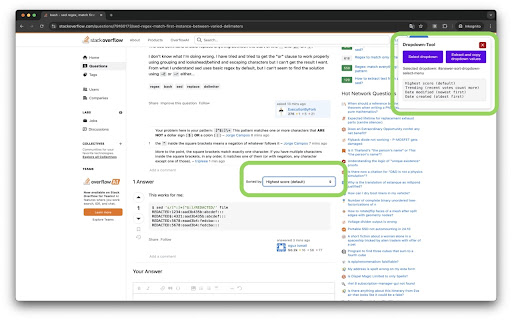
Do you frequently work with dropdown menus and need a quick way to copy the values? With Dropdown to Clipboard, you can select any dropdown menu on a webpage and copy all its options to your clipboard with just one click. This tool is designed to streamline tasks, save time, and make dropdown data management easy and efficient.
Key Features:
- Select any dropdown menu and instantly copy all options to your clipboard.
- Supports multiple pages without reloading your preferences.
- Automatically stores your display preferences and adjusts to show/hide the UI based on your settings.
How It Works:
1. Click the extension icon and enable the "Show window on page" option.
2. Select the dropdown you want to copy.
3. All dropdown options will be shown in a code view and automatically copied to your clipboard.
Simplify your work with dropdowns—install Dropdown to Clipboard today!
Dropdown to Clipboard web extension integrated with the OffiDocs Chromium online


