

JSON YAML Formatter in Chrome with OffiDocs

Ad
DESCRIPTION
Format and convert between JSON and YAML
Transform and beautify your JSON and YAML data with this powerful yet simple formatter extension.
Key Features:
- Convert between JSON and YAML formats instantly
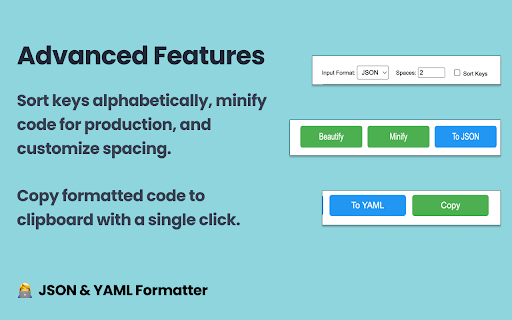
- Beautify and format your code with customizable indentation
- Minify JSON for reduced file size
- Sort object keys alphabetically for better readability
- Copy formatted code to clipboard with one click
- Work offline - no internet connection required
- Zero ads, zero tracking, completely free
Perfect for:
- Developers working with API responses
- DevOps engineers handling configuration files
- Data analysts cleaning and formatting data
- Anyone who needs to read or edit JSON/YAML files
How to use:
1. Click the extension icon
2. Paste your JSON or YAML code
3. Select your desired format and options
4. Click to beautify, minify, or convert
5. Copy the result with a single click
This extension is lightweight, fast, and respects your privacy by working completely offline without requiring any permissions beyond the active tab.
Try it now and make your JSON/YAML data more readable and manageable!
JSON YAML Formatter web extension integrated with the OffiDocs Chromium online


