

Circle Select in Chrome with OffiDocs

Ad
DESCRIPTION
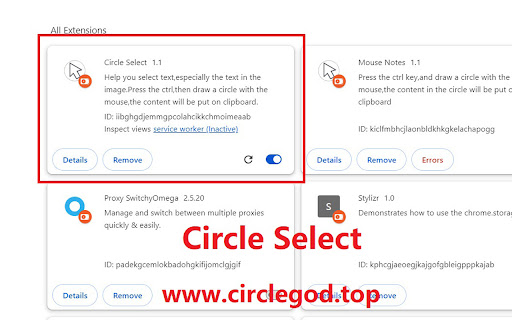
Press the ctrl,then draw a circle with the mouse,the content will be put on clipboard.Especially useful for text in image.
Hi, this is Circle Select plugin,which is easy to use.
It can help you select text,especially the text in the image.
Press the ctrl key,and draw a circle with the mouse.
The text in the circle will be put on the clipboard.
You can also draw a circle in a pictue.
When you don't want to use it,you can click the plugin icon to turn on/off it.
Now, search for "mouse select" in Google plugin Store.
Circle Select web extension integrated with the OffiDocs Chromium online


